Make it your own
Stream, record and monetize gameplay, including reviews, Let’s Plays, Shorts and VODs.
Streamers & video creators
Thanks for considering TimbrianGuard for your channel. Plan your stream or recording, find footage and artwork, and reach the team when you need a hand.
Free single-player demo · Windows PC · Available now on Steam
The free single-player demo is on Steam now for Windows PC.
Stream, record and monetize gameplay, including reviews, Let’s Plays, Shorts and VODs.
No embargo, review approval or required talking points. Honest and critical coverage is welcome.
Questions about access, footage or covering the game? Reach us by email or Discord.
Press F4 in game to hide the whole UI. Press F4 or Esc to bring it back.
The game & the demo
TimbrianGuard is an open world colony survival game. Start with eight settlers and a starting encampment, and grow it block by block toward a connected colony of 100 settlers. Queue work, guide your people, and build a home that can survive the night. Plan from above or micromanage the details—the choice is yours.
Your first three full in-game days
Meet your eight starting settlers, assign roles, and queue up their work. Gather resources, hunt, start crafting and farming, establish production in your first workshop, and build a house. Welcome new settlers and prepare for threats by day and night.
Unlimited building time
Build without a time limit using powerful sub-voxel building tools. Create and share blueprints, then bring your designs into Survival. Placing a blueprint plans a building; your settlers still need to construct it.
The demo is single-player on Windows PC. Multiplayer is planned for Early Access. Outposts, villages, prospecting and trade come after the demo. Early Access launches later this year.
No Steam client handy? Open the store page and click Download Demo.
Older footage and posts may use the original name, Satus.
Demo details and FAQThese permissions cover material owned by RE³ Studios. Separately licensed third-party material remains subject to its own terms. Questions about music or a copyright claim? Email community@re3studios.com.
Download media-use permissionsThere are a million colony sims out there. Our strength is the building: how the open world looks, and the massive, detailed builds it can hold. Give it room on screen, and pick the pace and format that fit your channel.
Guide your starting encampment through the opening Survival days. Give your settlers, their work and their first night room on screen.
Use unlimited building time to explore fine-detail construction, from a first shelter to a full castle on a mountainside.
Design a home or workshop in Sandbox, bring its blueprint into Survival, and watch settlers construct it.
Set roles and queue work, then focus on individual settlers when you want more direct control. Show how your choices shape the colony.
For clean shots, press F4 to hide the whole UI. Press F4 or Esc to bring it back.
These are the default controls. Change any of them in game under Esc > Controls > Open Keybinds: click a binding to remap it, and press Backspace or Delete to clear it. Check your bindings before you go live, especially if you've changed them.
Fine-tuning a staged block: Alt + left click selects it. Then use the arrow keys to pick a face, Shift + the arrow keys to nudge it, and R or Shift + R to rotate it.
Build tools, settlers and production open from buttons on screen. The Day 1 guide walks you through them.
On stream, avoid U, M and the F3 and F5 to F11 keys, plus Ctrl + Alt and Ctrl + Shift combinations. They're developer and diagnostic tools that are still in the demo. If you press one by accident, press it again to turn it off.
If the player does not load, watch on YouTube.
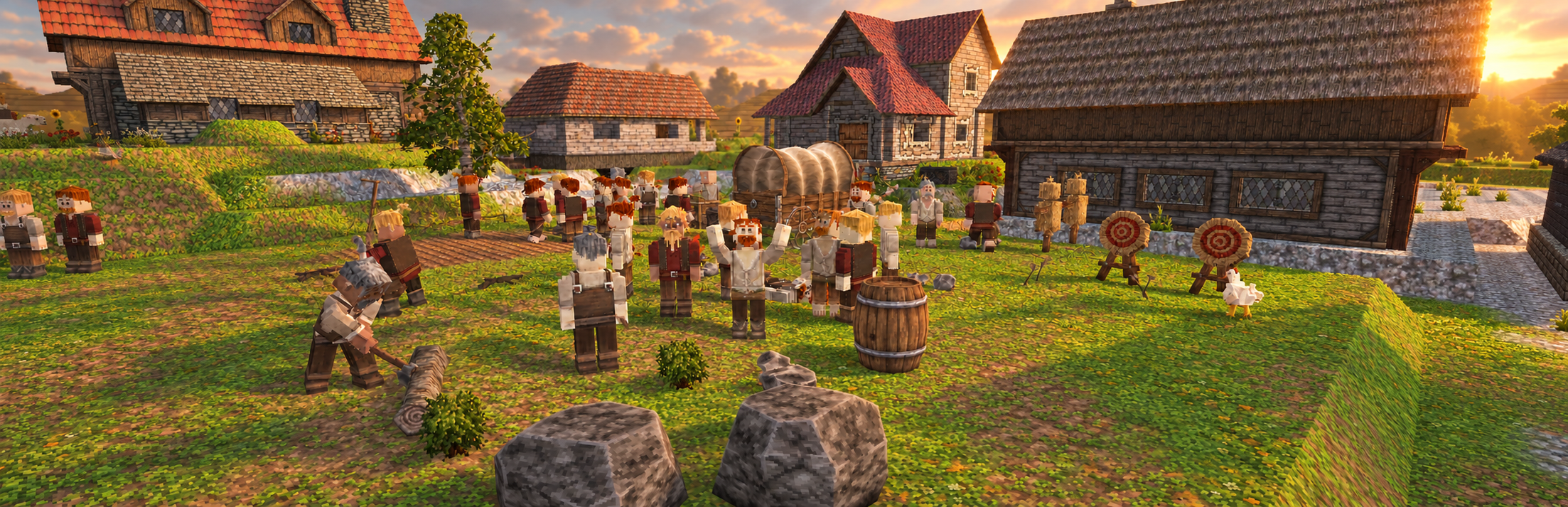
Gameplay images and video are real captures. Screenshot captions identify development, editor and staged scenes. Key art is AI-assisted promotional artwork.
Seven original captures with captions that distinguish gameplay, development and staged scenes.
Download screenshots ZIP · 19.2 MBBrowse screenshots and captions25 seconds of gameplay B-roll. The web copy is 720p and silent.
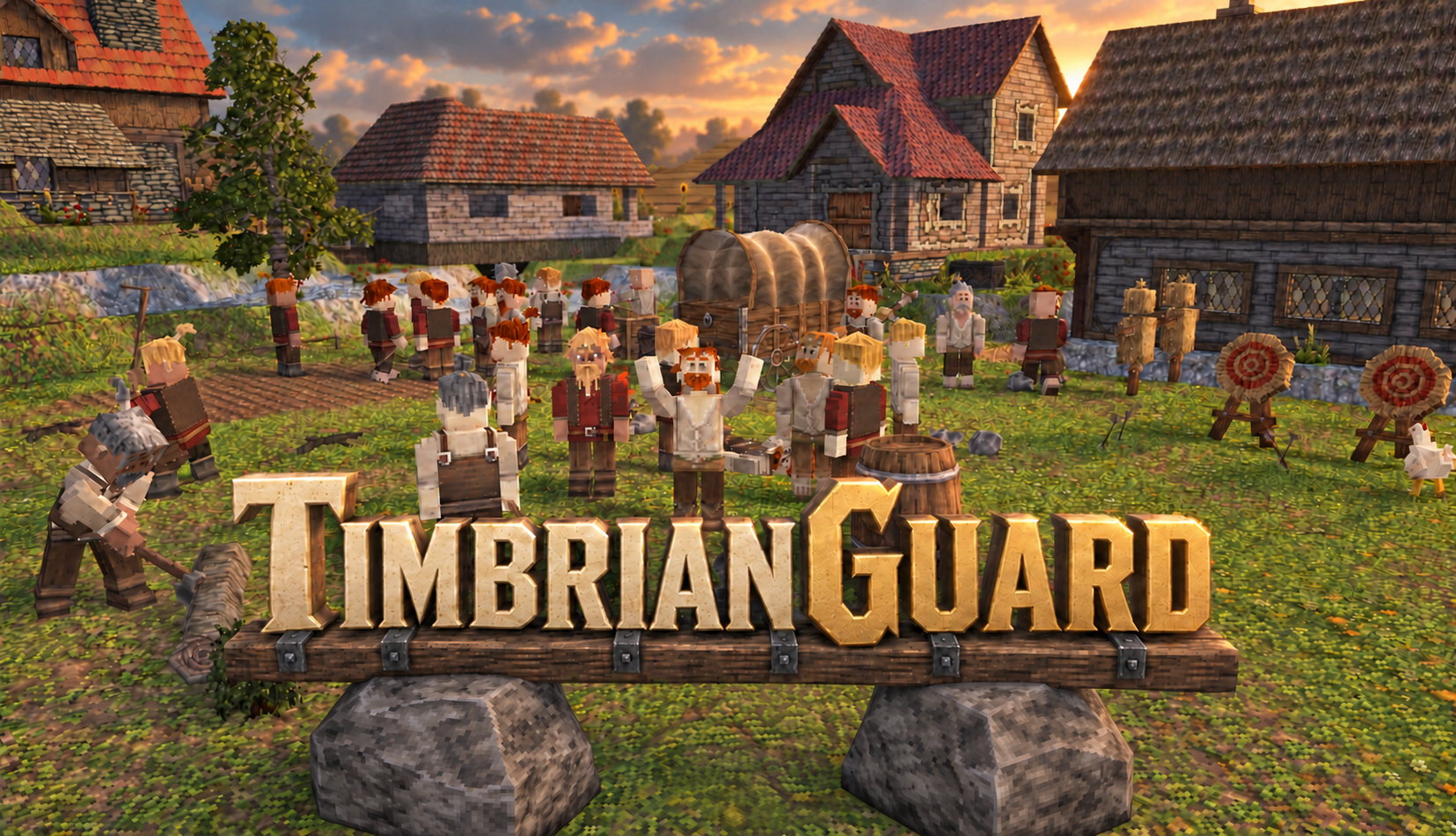
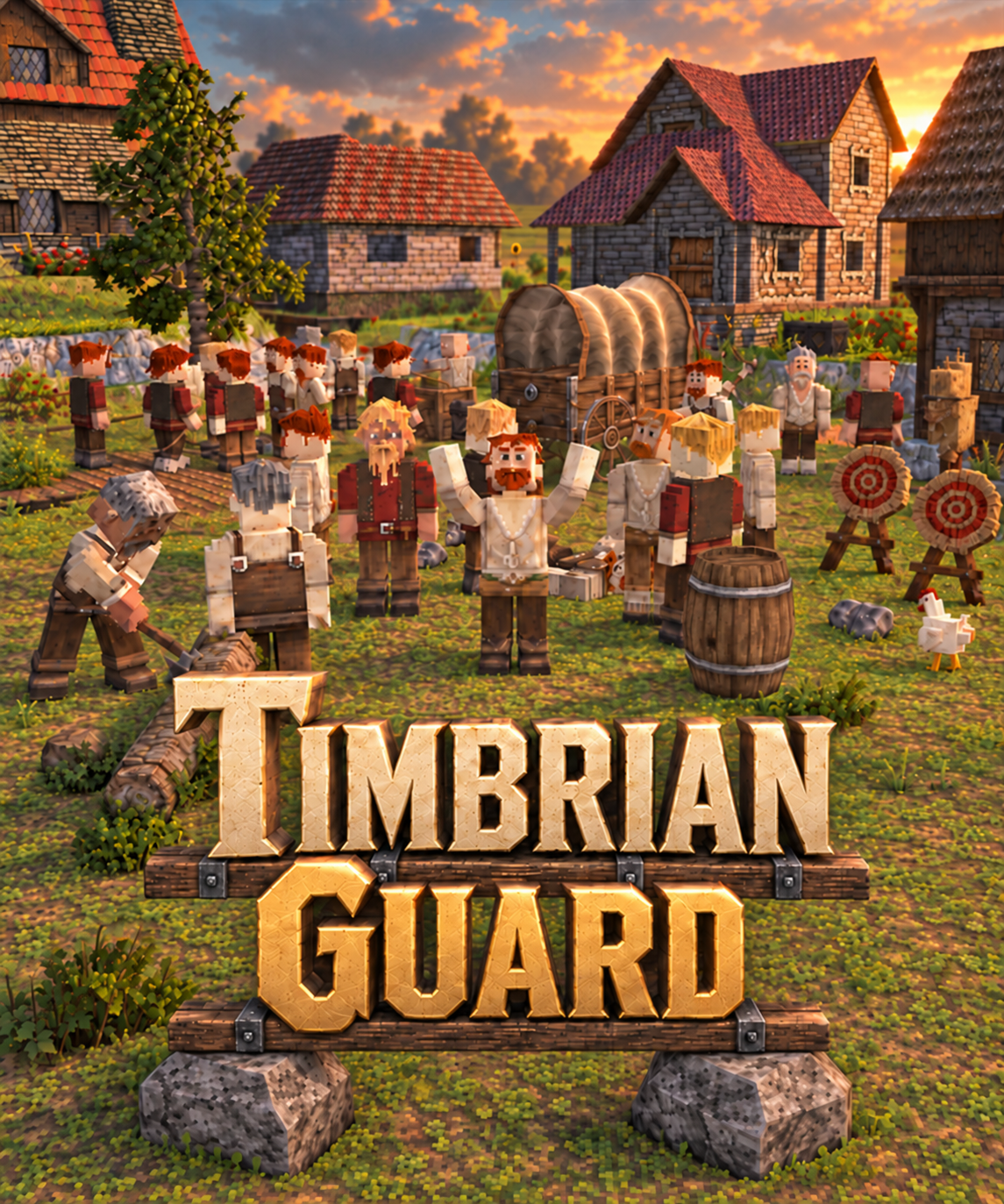
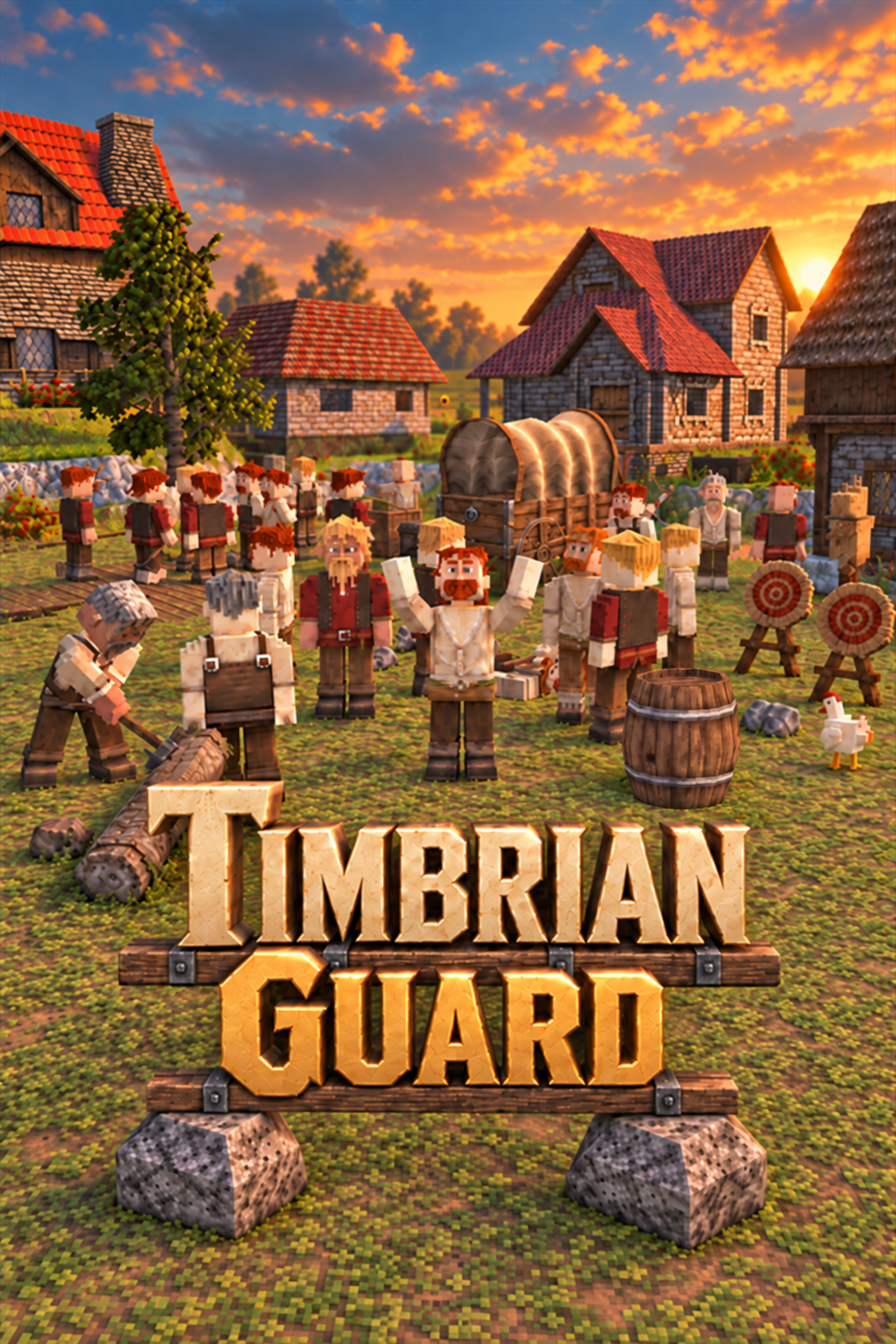
Download 720p gameplay reelDownload original 1080p reelAI-assisted promotional artwork, distinct from in-game screenshots.
Our approach is community first. Share your builds with the Makers Guild on Discord, tell us what would make the game better to stream, or ask about footage and access.
Email: community@re3studios.com
If something interrupts your run, send the build version, reproduction steps, what happened, and what you expected. Include a short clip or screenshot.
Join the server, then post in the Feedback channel.
We use AI for coding tools, marketing and some Early Access UI and texture placeholders. 99% of in-game assets are human-made, and our Steam page carries the disclosure. Promotional key art is labelled AI-assisted; gameplay footage and screenshots are real captures.
Read our full AI statement